Analyze Repositories
Find the dependency, config, and source errors blocking your project.
Upload a repository. Let RinaWarp investigate, repair, verify, and explain every change.
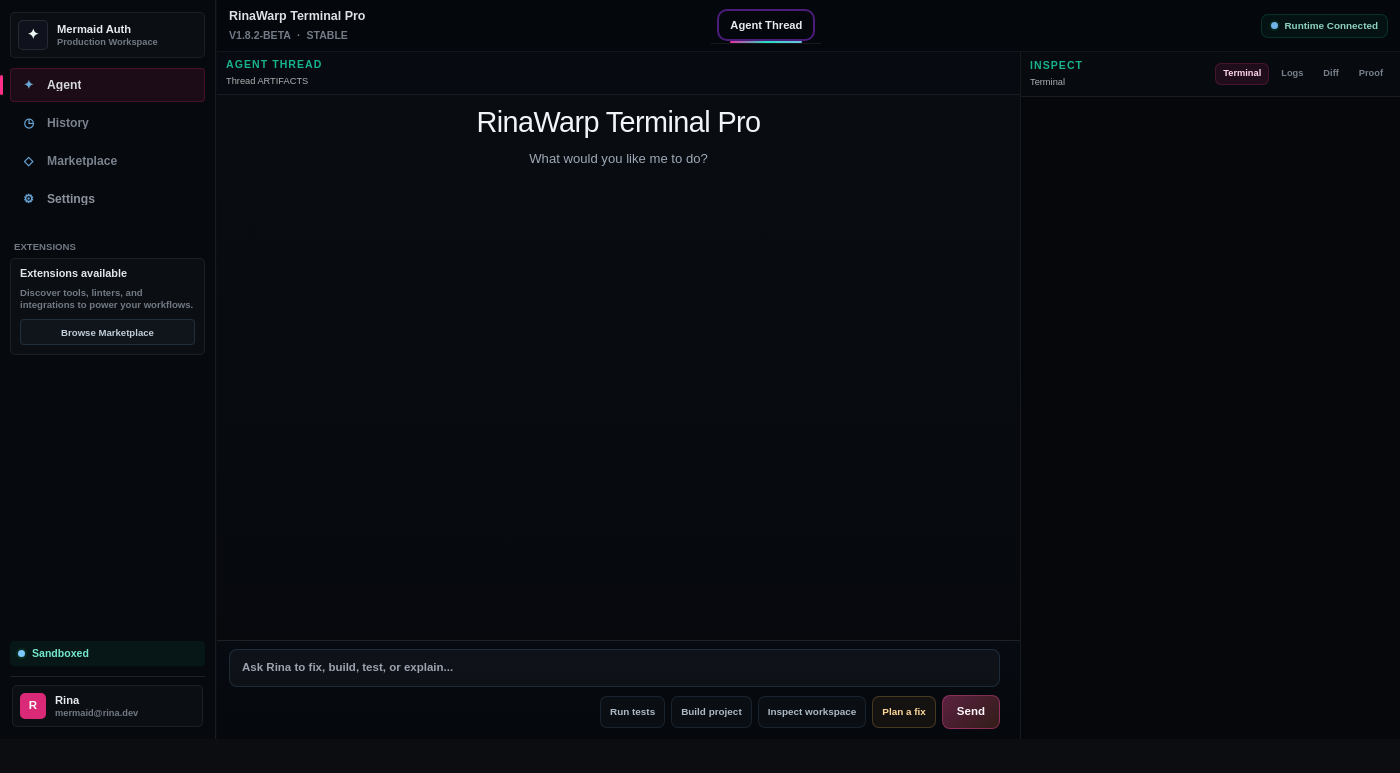
Built for broken projects, failed builds, and messy dependency problems.
Find the dependency, config, and source errors blocking your project.
Apply targeted fixes across files, package scripts, and project settings.
Run builds and tests so success is proven in the terminal.
Show exactly what changed, why it changed, and how it was verified.
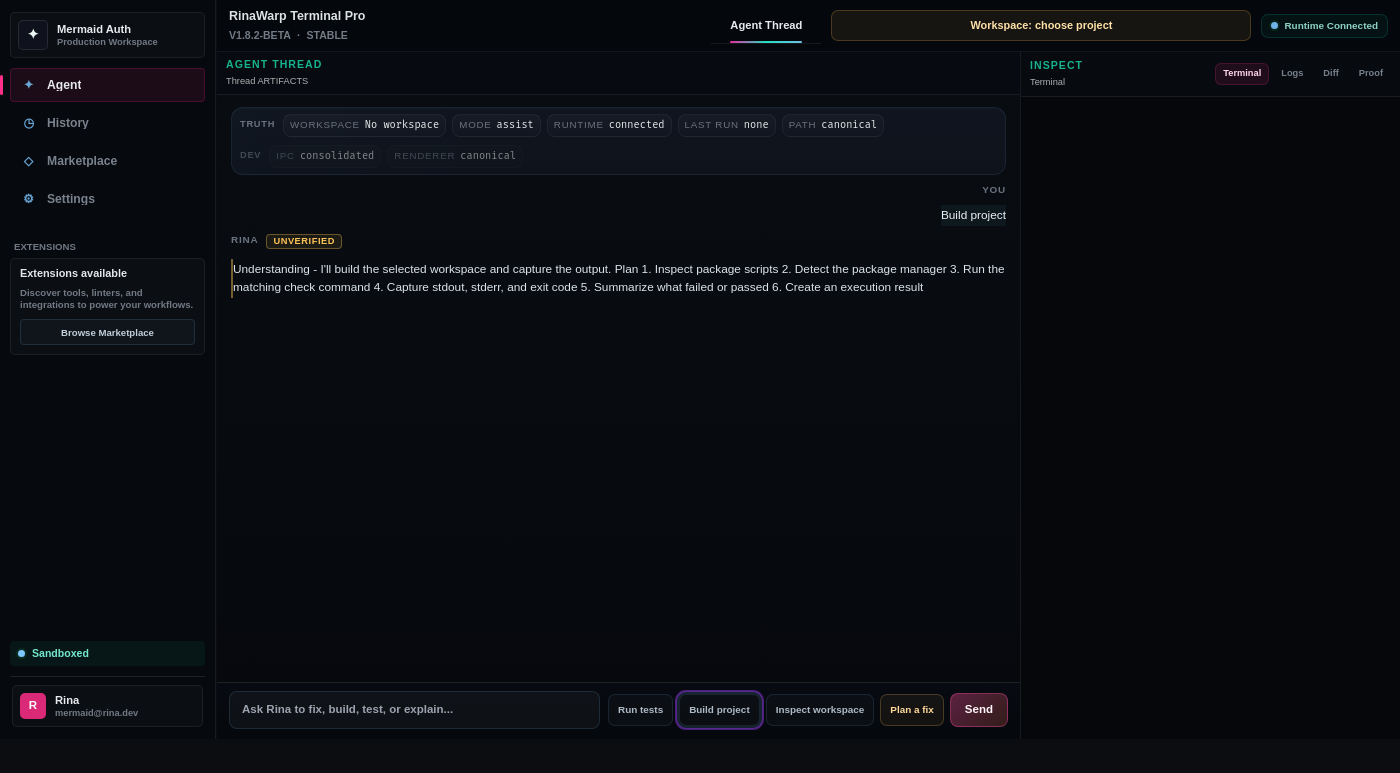
Open the broken repo and let RinaWarp inspect the project, logs, config, and dependency state.
Apply focused repairs to the files and settings that are actually causing the failure.
Run the build, tests, or health checks and keep the proof attached to the repair.
Developers trust terminal output. Show the fix, then show the verification.
npm run build
Module not found: react-scripts
Installed missing dependency
Updated package scripts
✓ Build successful
error TS2322
Type 'string' is not assignable
Fixed type mismatch
✓ Build successful
✓ Tests passing
Use actual repair output, build logs, and product UI. No decorative robot art, no fake dashboards.
Download Terminal Pro and fix the broken project blocking your next release.