Installation
Linux (available now)
- Download
.debor AppImage from the download page. - Verify SHA256 using SHASUMS256.txt before install.
- .deb: Install on Debian/Ubuntu. Updates are manual
.debreinstalls unless you switch paths. - AppImage: Portable build with in-app update checks when configured.
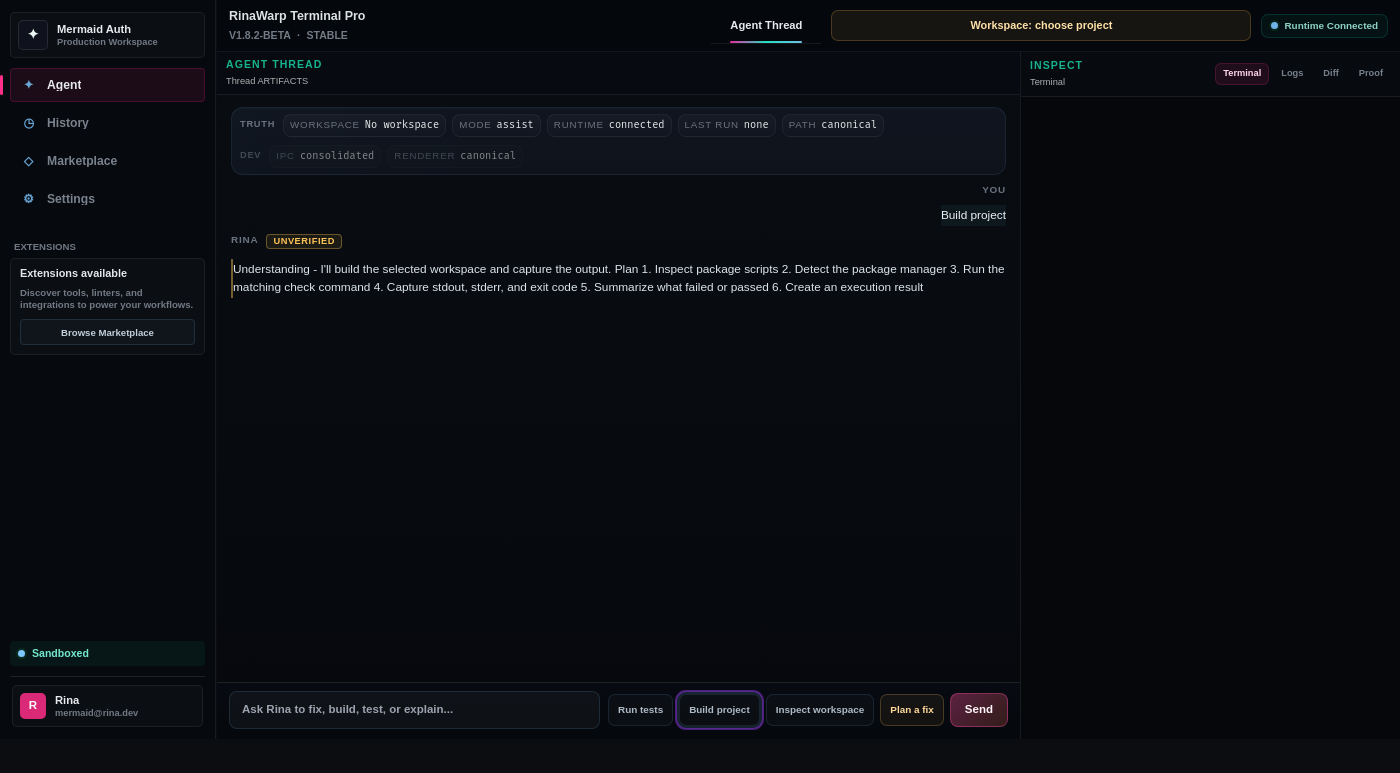
- Launch Terminal Pro and open your repository folder.
macOS/Windows (unsigned beta preview)
Important: These beta builds may be unsigned and require OS security bypass steps. Production builds will be signed and notarized.
- Download the unsigned .dmg or .exe installer from the download page.
- macOS: Right-click the app and select "Open" to bypass Gatekeeper on first launch.
- Windows: Click "More info" → "Run anyway" if SmartScreen blocks the installer.
- These builds are for validation testing only — production builds will be signed.
Requirements
- 4 GB RAM minimum; 8 GB+ recommended for large monorepos
- Node.js 18+ and npm/pnpm in PATH for JavaScript/TypeScript projects
- Git recommended so you can review diffs and roll back
- Outbound network for package registries during repairs