Proof workflow

Observe → Plan → Approve → Execute → Proof

The proof-first AI copilot for real computer work. Nothing executes without approval.

The proof-first workflow

RinaWarp Terminal Pro follows a deliberate workflow designed for trust and verification.

Step 1: Observe

Open a project. Rina reads the codebase, configuration, logs, and runtime state. Workspace Knowledge comes from observation and verified proof.

Step 2: Plan

Review proposed changes and commands. Nothing executes until you approve. High-impact actions require explicit approval.

Step 3: Approve

Confirm the plan before execution. Safe changes can auto-apply on paid tiers, but high-impact actions always pause for approval.

Step 4: Execute

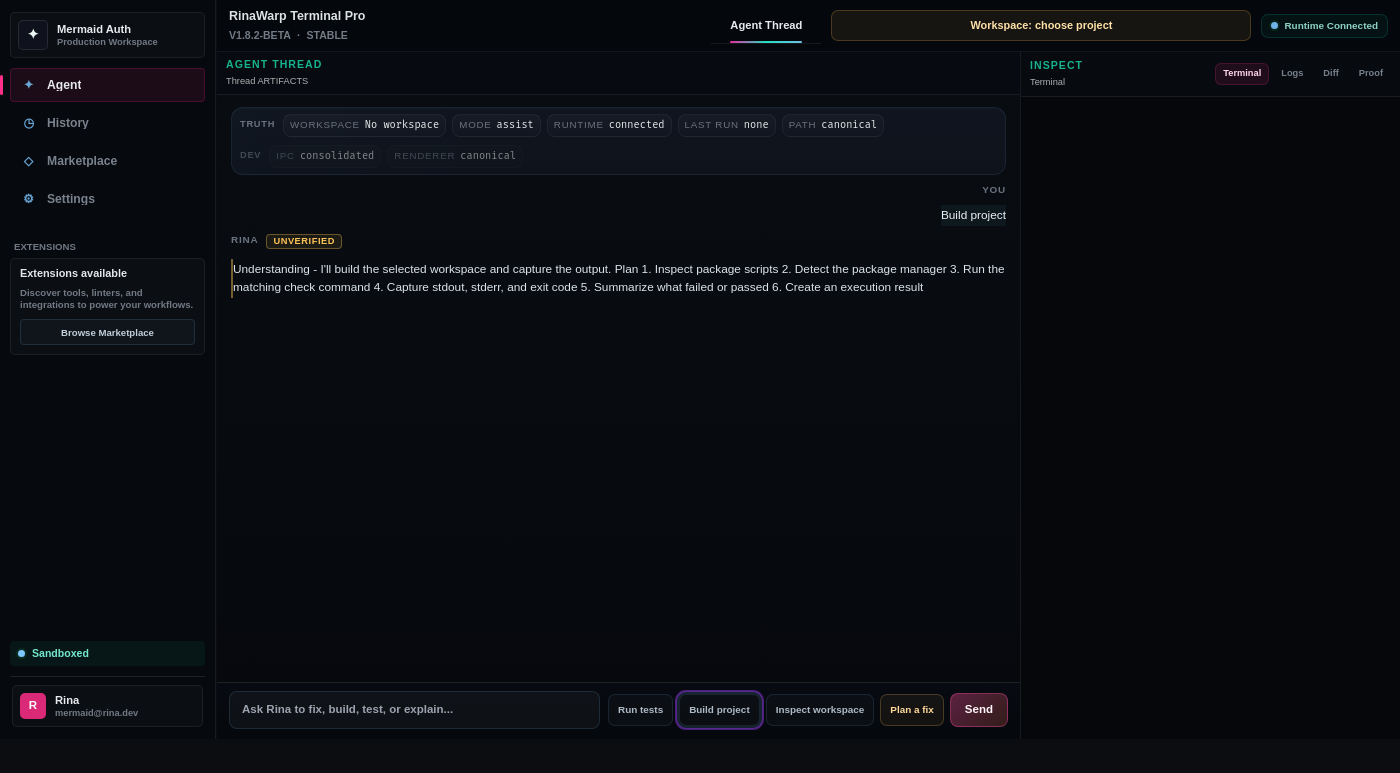
Commands run in your project context. All output is captured and attached to the action.

Step 5: Proof

Verification output shows success or failure. Build exit code 0, tests passing, health checks green — all attached as evidence.
Trust signals

  • Nothing executes without approval — All changes are visible and approved before they run.
  • Commands visible before execution — Every command appears in the Agent Thread before running.
  • Proof from runtime evidence — Build and test output stays attached to every action.
  • Workspace Knowledge — Memory comes from observation and verified proof, not speculation.

Example terminal flow

Terminal Pro
# Observe rina observe --project ./my-app # Plan rina plan --changes "Fix type errors" # Approve Approve: Run npm install, tsc --build # Execute npm install tsc --build # Proof Build: exit code 0 Tests: 214 passed

Proof workflow screenshots

Real screenshots from Terminal Pro showing each step of the workflow.

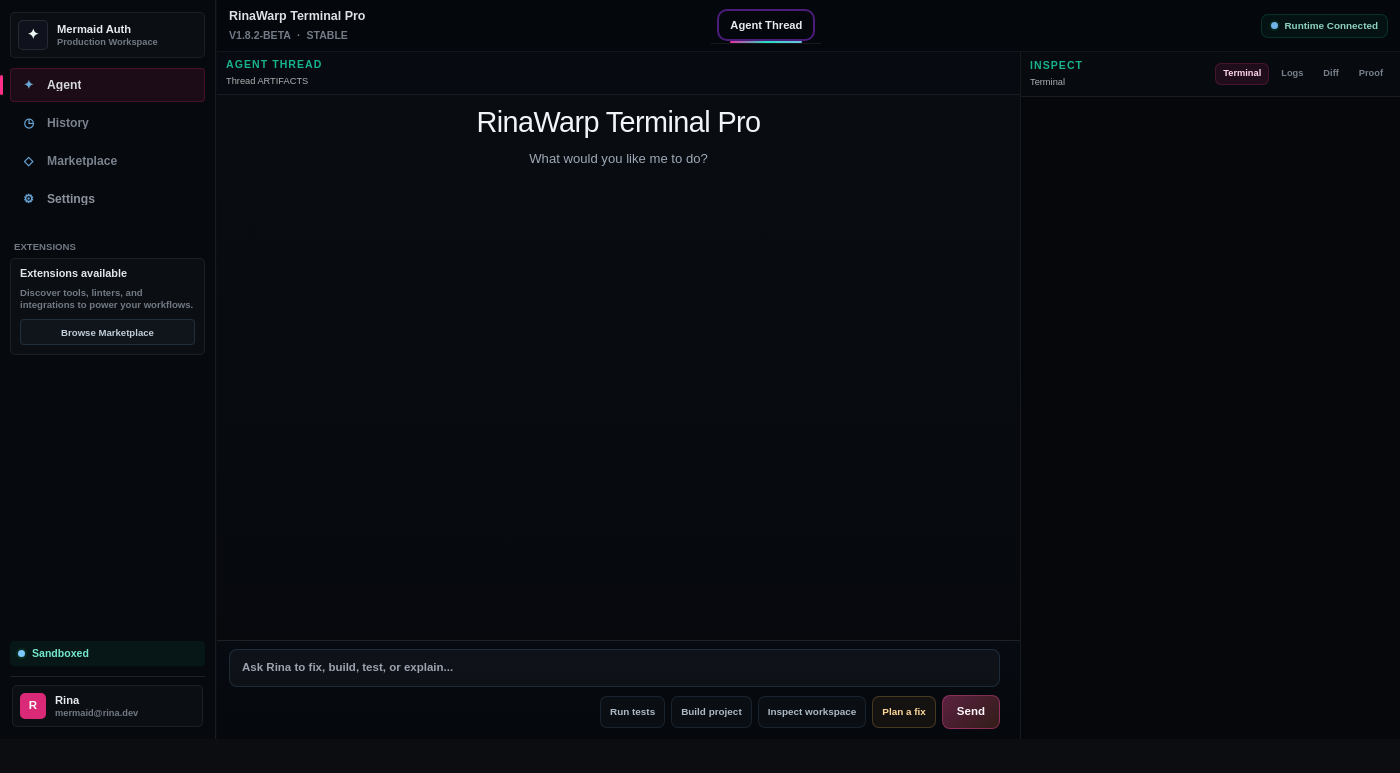
Agent Thread showing Observe step

Agent Thread: Observe

Rina scans the project and presents findings before any changes.

Planner Approval showing Plan step

Planner: Approval

The plan is reviewed and approved before execution begins.

Execute step in progress

Execute: AgentRuntime

Commands run with full output capture in the Agent Thread.

Proof verification output

Proof: Verification

Build exit codes, test results, and health checks prove success.

Ready to try the proof-first workflow?

Download Terminal Pro Beta and experience the difference verification makes.