Before
docker compose build
failed to solve: process "/bin/sh -c npm run build" did not complete successfully: exit code: 1
When `docker build` or `docker compose up` fails, the fix is often Dockerfile syntax, build context, env files, or service dependencies — not just the last error line.
Container builds still depend on your application compiling and installing dependencies. A broken Node or Python layer inside Docker usually mirrors a broken host build.
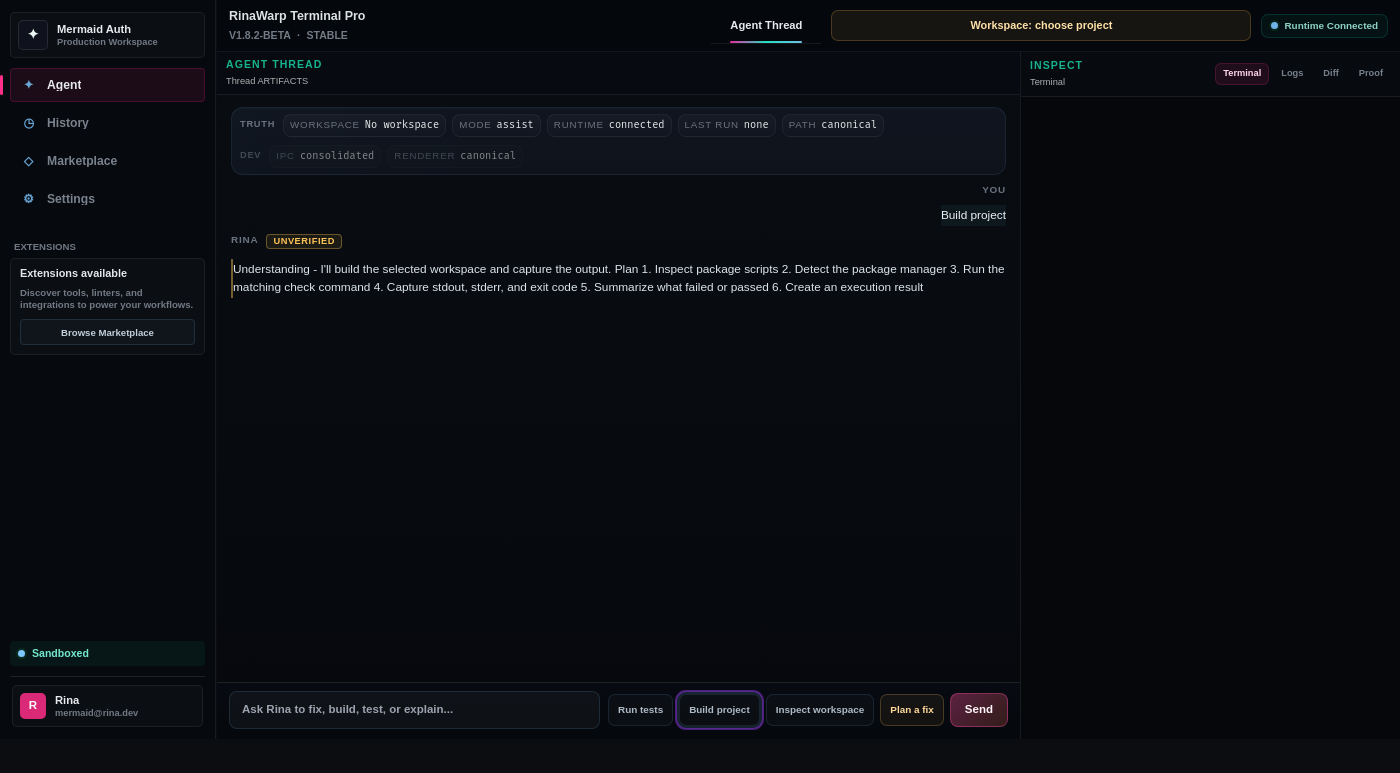
RinaWarp Terminal Pro follows the Observe → Plan → Approve → Execute → Proof workflow. Nothing executes without your approval.
Representative terminal output — your project will differ, but the verification pattern should look like this.
docker compose build failed to solve: process "/bin/sh -c npm run build" did not complete successfully: exit code: 1
Fixed app build (TypeScript + deps)
Updated Dockerfile COPY order
docker compose build — success
Health check passed
Dependency conflicts · TypeScript errors · npm install errors
Free tier includes daily proof workflow runs on small and medium repos. Pro ($15/mo) removes limits for serious individual use.