Before
npm run build
Module not found: Can't resolve '@/components/Dashboard'
npm ERR! code ELIFECYCLE
React build errors often look like a missing module when the real issue is config, peer dependencies, or a broken path alias. RinaWarp treats the repository as one system.
CRA, Vite, and Next.js each surface different error shapes, but the pattern is the same: one broken dependency or config poisons every import downstream.
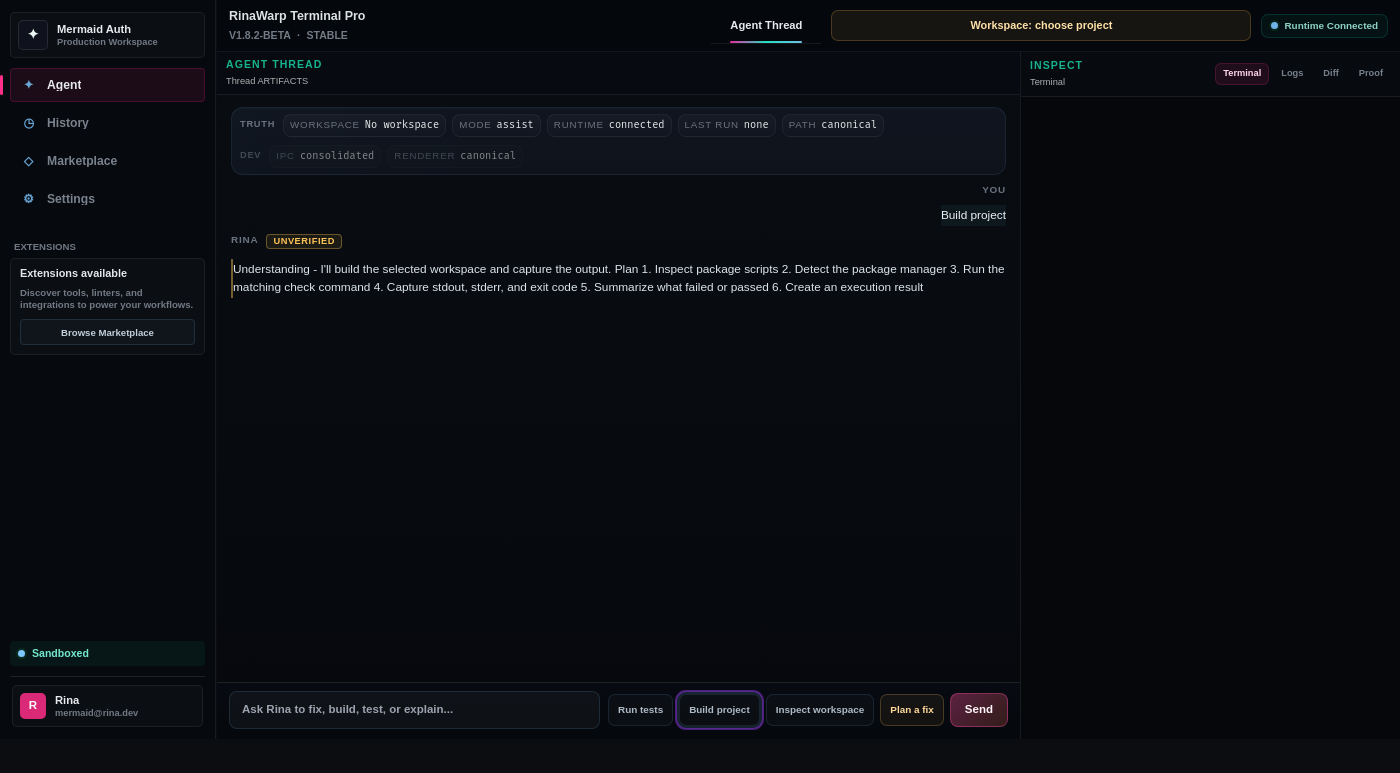
RinaWarp Terminal Pro follows the Observe → Plan → Approve → Execute → Proof workflow. Nothing executes without your approval.
Representative terminal output — your project will differ, but the verification pattern should look like this.
npm run build Module not found: Can't resolve '@/components/Dashboard' npm ERR! code ELIFECYCLE
Resolved path alias in vite.config.ts
Installed missing peer dependencies
npm run build — compiled successfully
vitest — 48 passed
Free tier includes daily proof workflow runs on small and medium repos. Pro ($15/mo) removes limits for serious individual use.