Before
next build
Error: Failed to collect page data for /dashboard
Error: Cannot find module '@acme/ui'
Build failed
Next.js combines TypeScript, bundling, static analysis, and framework rules. A single misconfigured env var or bad import can fail `next build` with a wall of errors.
App Router, server components, and monorepo packages interact. Fixing only the first error in the log often uncovers the next layer underneath.
RinaWarp Terminal Pro follows the Observe → Plan → Approve → Execute → Proof workflow. Nothing executes without your approval.
Representative terminal output — your project will differ, but the verification pattern should look like this.
next build Error: Failed to collect page data for /dashboard Error: Cannot find module '@acme/ui' Build failed
Added project package to transpilePackages
Fixed package.json exports in @acme/ui
next build — completed
exit code 0
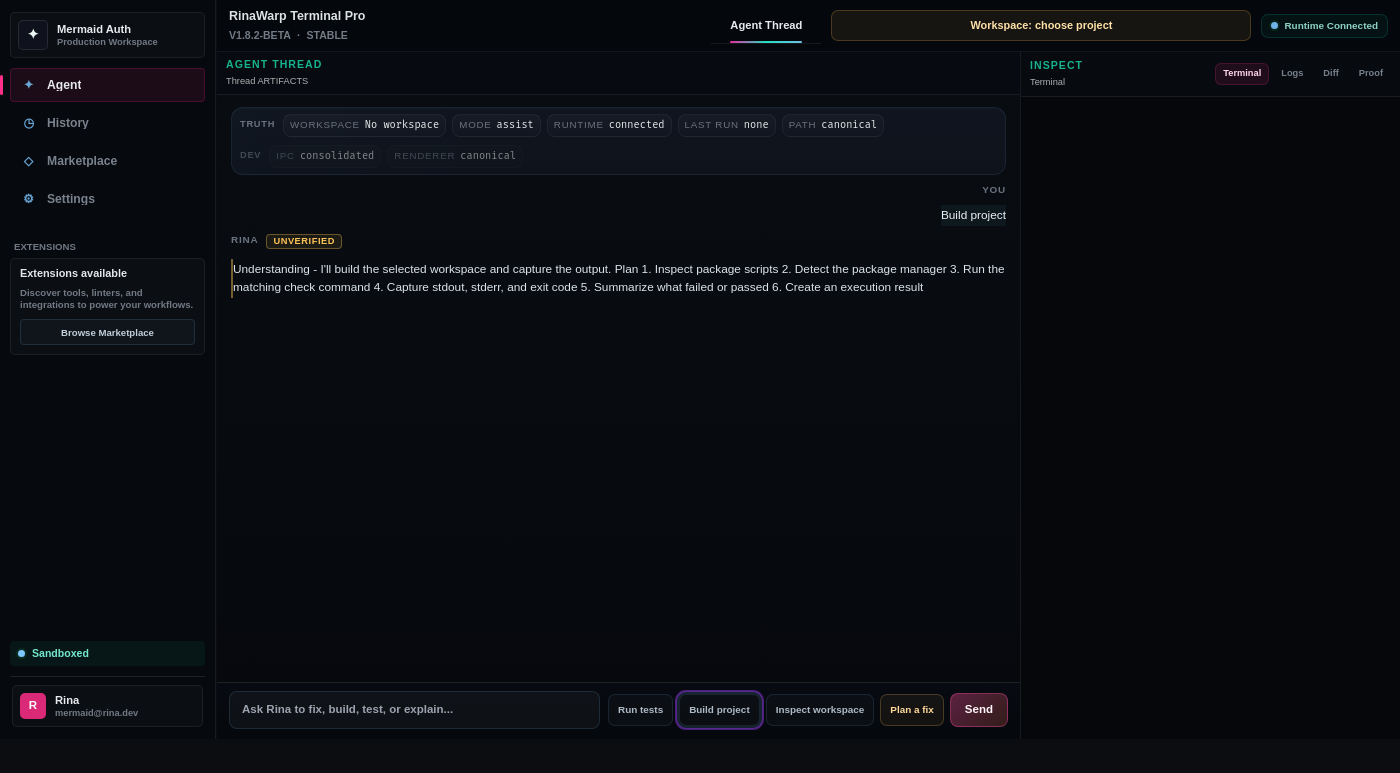
TypeScript errors · React build errors · Dependency conflicts
Free tier includes daily proof workflow runs on small and medium repos. Pro ($15/mo) removes limits for serious individual use.