Before
npm install
npm ERR! code ENOENT
npm ERR! syscall open postinstall.js
npm ERR! command failed
When `npm install` fails, you cannot run anything else. RinaWarp focuses on restoring a clean dependency tree so build and test commands work again.
Network blips, native module builds, and postinstall scripts all surface as install errors. The goal is a reproducible install path — usually `npm ci` on a correct lockfile.
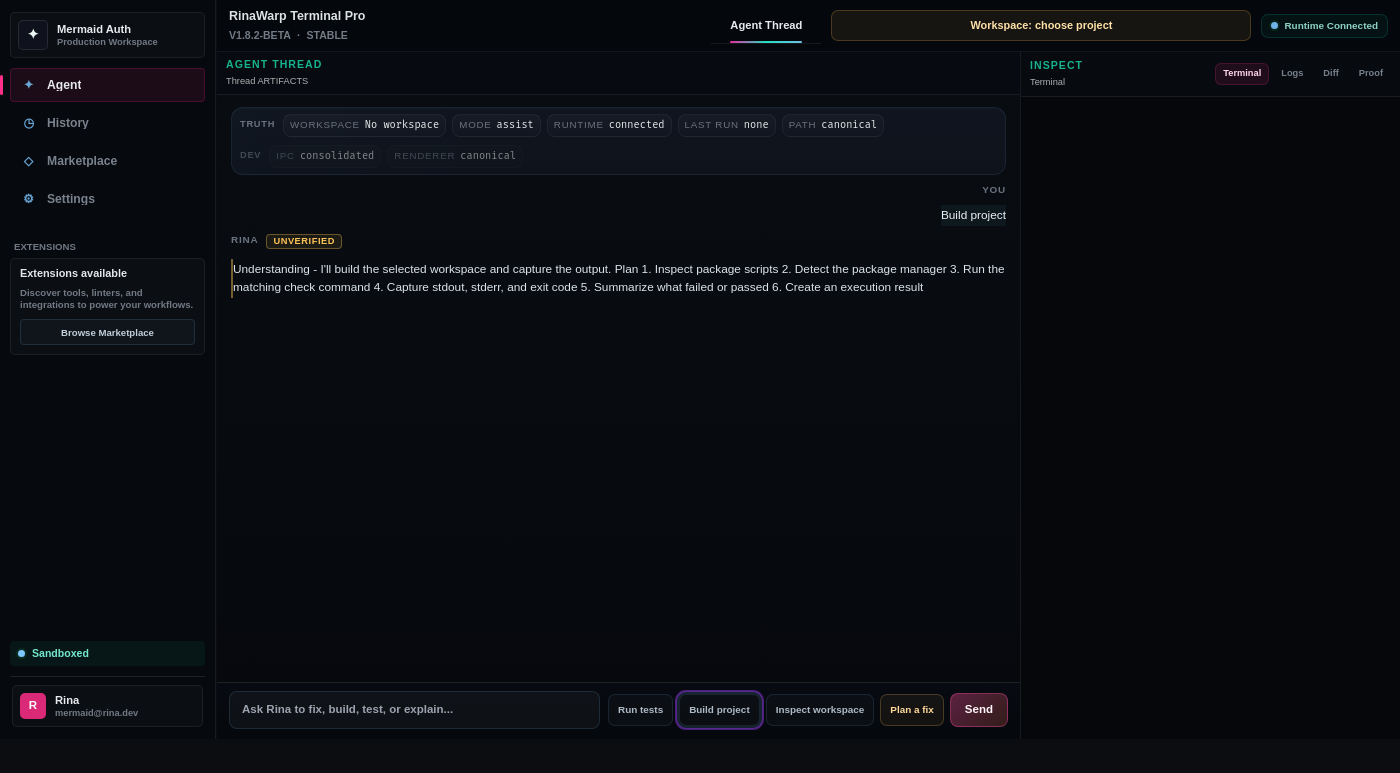
RinaWarp Terminal Pro follows the Observe → Plan → Approve → Execute → Proof workflow. Nothing executes without your approval.
Representative terminal output — your project will differ, but the verification pattern should look like this.
npm install npm ERR! code ENOENT npm ERR! syscall open postinstall.js npm ERR! command failed
Removed broken postinstall hook
Regenerated lockfile from package.json
npm ci — completed
npm test — passed
Free tier includes daily proof workflow runs on small and medium repos. Pro ($15/mo) removes limits for serious individual use.