Before
vite build
[vite]: Rollup failed to resolve import "@/lib/api"
error during build
Vite errors are usually config or dependency resolution, not mystery bundler bugs. RinaWarp reads your `vite.config` and package graph together with the source tree.
Alias mistakes, outdated plugins, and Node polyfill gaps show up as cryptic rollup errors. The fix is often a small config change plus a clean install.
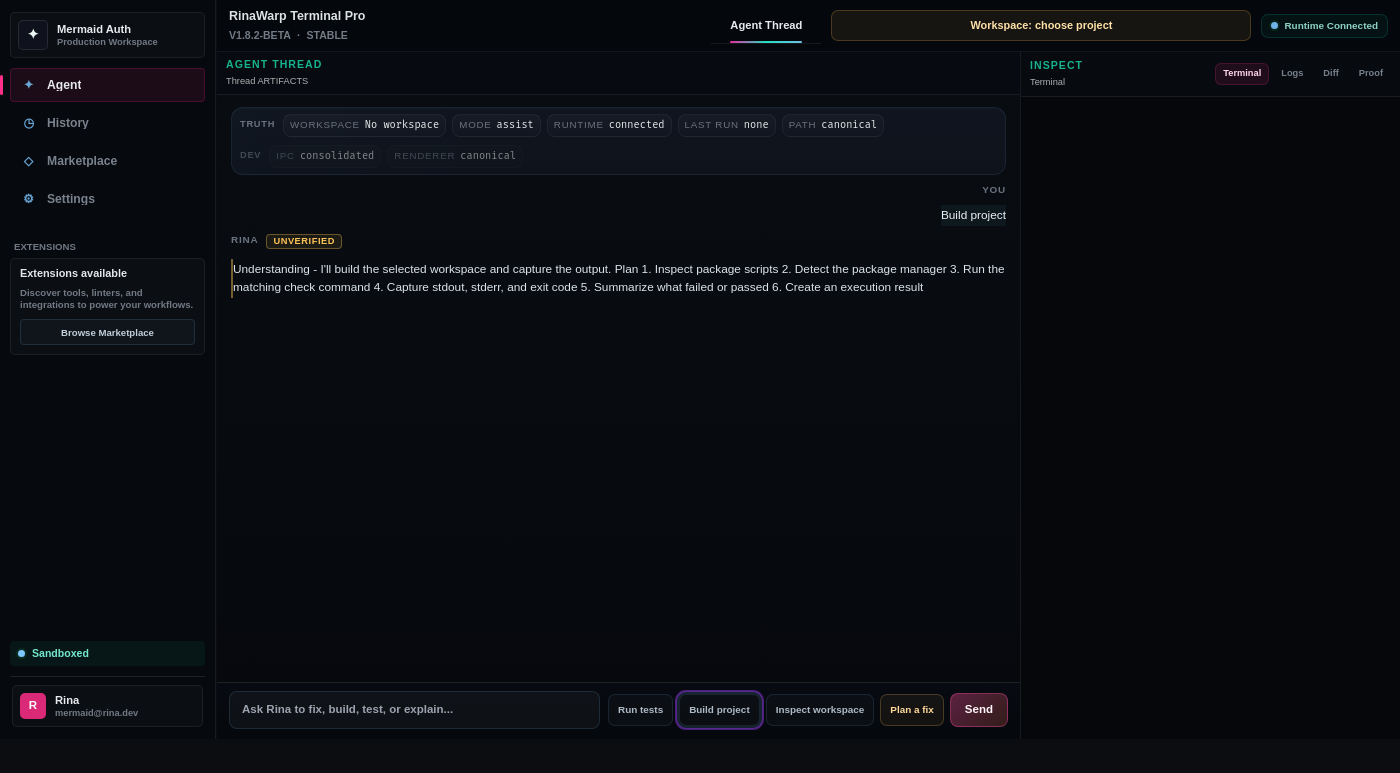
RinaWarp Terminal Pro follows the Observe → Plan → Approve → Execute → Proof workflow. Nothing executes without your approval.
Representative terminal output — your project will differ, but the verification pattern should look like this.
vite build [vite]: Rollup failed to resolve import "@/lib/api" error during build
Synced alias in vite.config.ts with tsconfig
npm ci — clean install
vite build — built in 42s
exit code 0
Free tier includes daily proof workflow runs on small and medium repos. Pro ($15/mo) removes limits for serious individual use.